

Partner Hub
Not sure where to look?
It's all here.
Guides, fixes, software updates and sales materials for every Moti Physio product. Pick yours and we'll show only what applies.
Which product are you working with?
You can change this at any time.
Loading…
Bookmark this page. Press Ctrl + D (⌘ + D on Mac). When you're stuck, it's one click away.
Start here
Open your product, then follow the steps. Every link opens the live guide, so it's always current.
Loading…
Setup & Fix
Find your situation. Each answer opens the guide, so you always get the latest version.
No match. Try another word, or browse the troubleshooting cards below.
Troubleshooting cards
Step-by-step guides for the five most common problems. Pick the card that matches what you see.
Still can't find it? Search the full troubleshooting database
Still stuck? Send HQ these three things.
Remote support is arranged after we review all three.
-
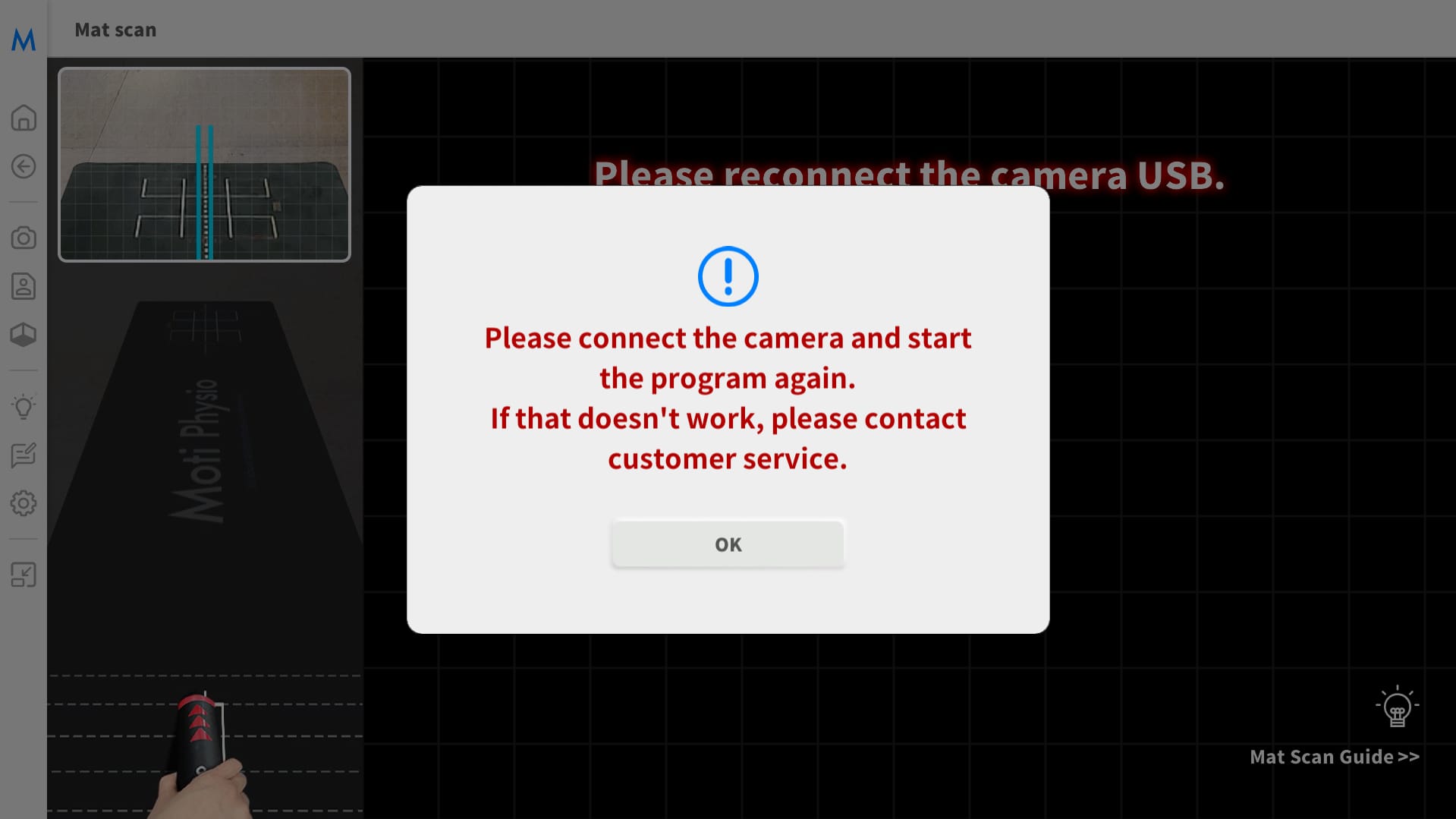
1Snap it
A clear screenshot or photo of the error screen.
-
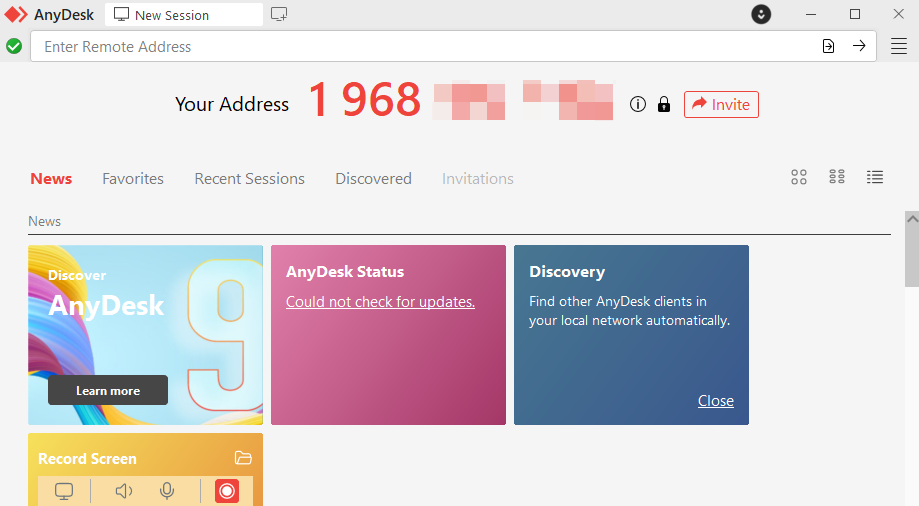
2ID it
The 9- or 10-digit AnyDesk ID. Click “Accept” when the pop-up appears.
-
3Describe it
One line is enough. For example:
Camera connected, but the screen shows “No Camera”.
Measurement starts, but the person isn't detected.
Software updates
Every release, newest first. Open one for the full notes in your language.
Loading releases…
Sales materials
Start with the sales deck, then pick what your customer is asking about.
Loading…
Need something customized? Contact your regional sales manager.